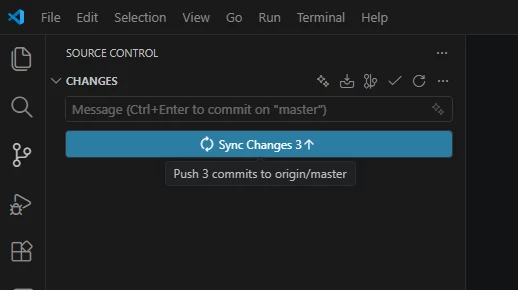
I have encountered an issue while working with a component in my cloned package in VS Code. I recently made some changes to this component, and my colleague made other changes to the same component. As a result, I ran into a merge conflict when attempting to push my updates.
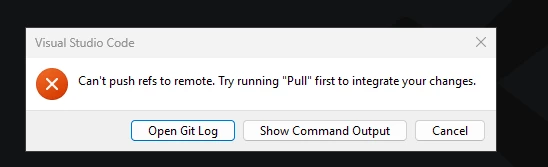
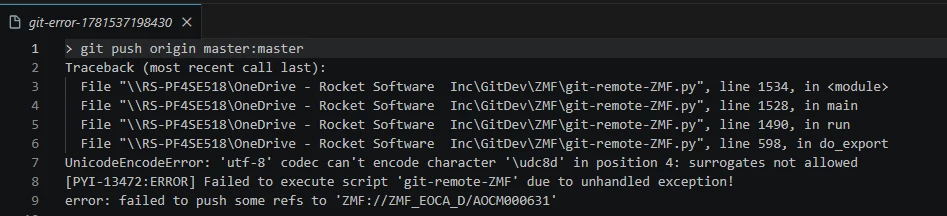
After carefully resolving the merge conflict and committing the changes, I tried to push back to the mainframe. However, I received an error, and I am not sure where the problem lies. I have double checked to ensure there are no non-mainframe compatible characters in both the merged source and my commit message.
Could someone please advise if there is something I am missing in the process, or if there could potentially be a bug in the git connector? Any guidance or troubleshooting tips would be greatly appreciated as I would like to get this resolved as soon as possible.