Question

Exceed on two identical windows machines, result different fonts

  • January 29, 2026
  • 3 replies
  • 46 views

P_Galanos

Greetings,

I’m quite new on Exceed and I have a question regarding Exceed.

It is used on two identical windows machines with identical Exceed configuration (xconfig) to display Scada UI.

Windows PC 1 display large nice Fonts on Scada but windows PC 2 has Font size difference, they appear smaller.


I was reading about Fonts might be missing and Exceed can use a failsafe Font in order to display a Scada environment. I this true and what can I do to verify that that fonts are used on both Exceed are the same?

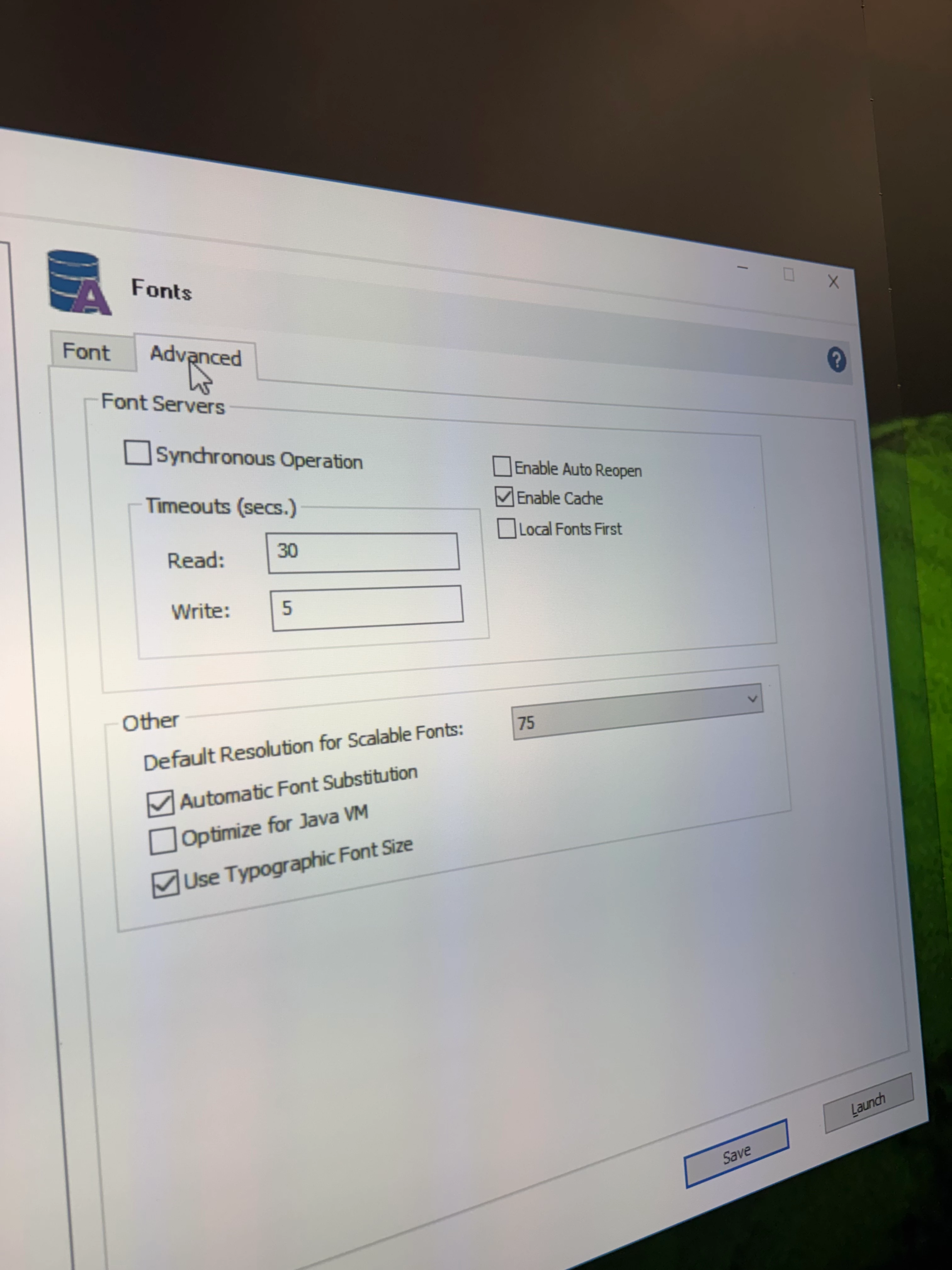
In the below pictures are the identical on both Win PC Exceed settings.
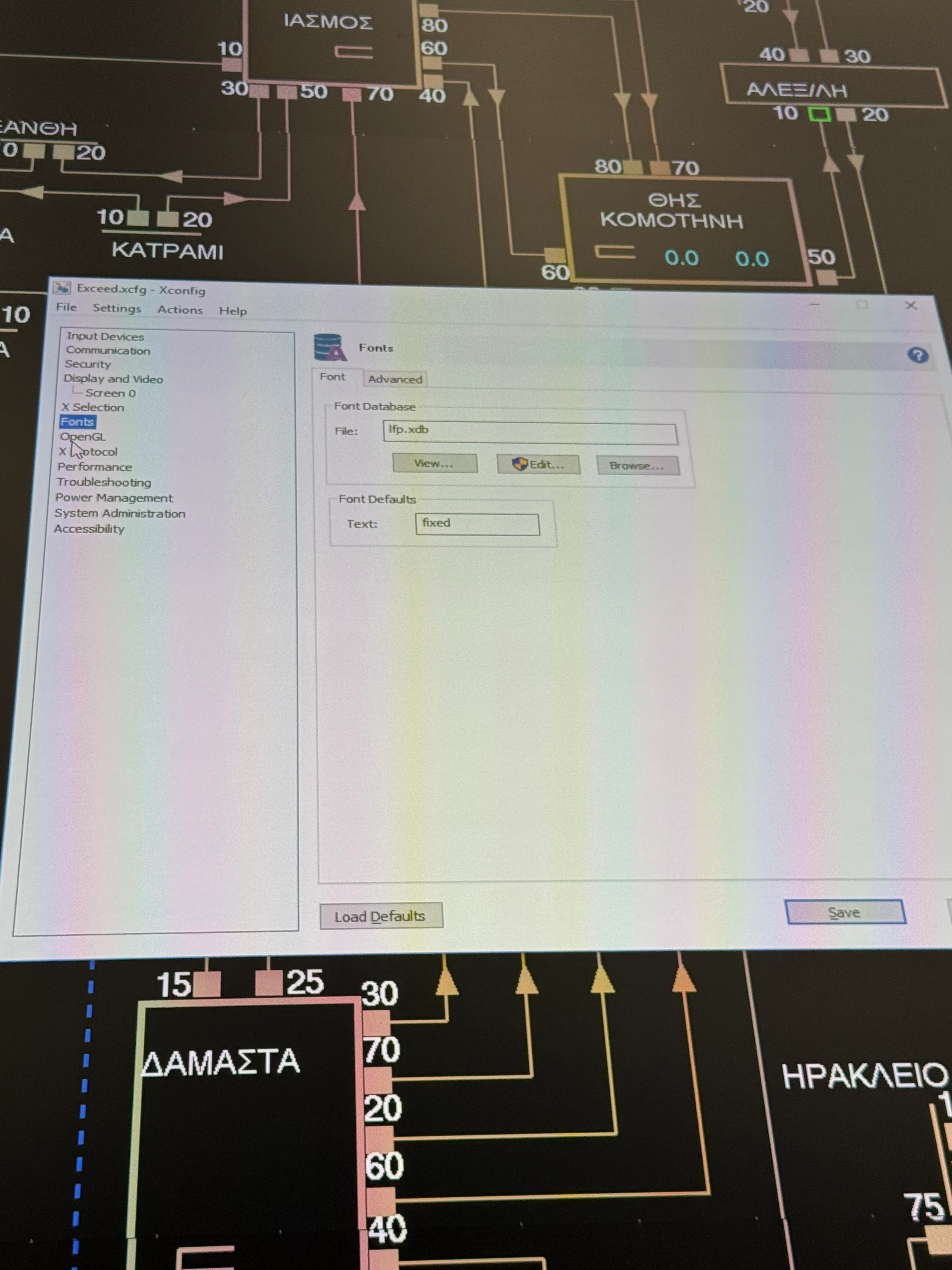
Awaiting your advise.


Kind regards,

Panagiotis Galanos

3 replies

  • January 29, 2026

Hi Panagiotis,

Please make sure both Windows systems are running with same resolution and scaling.  You can enable Log Font Opens, Log Window And Command Names under Xconfig, Troubleshooting. Compare the fonts entry in the exceed.log files from both machines.

Regards,

Joyce


P_Galanos
  • Author
  • New Participant
  • February 2, 2026

Hi Joyce, 

Thank you for the reply.

The two windows systems are indeed operating with same resolution and scaling.

As for the logs i will need to be onsite, enable the log Font and compaire the logs. I will update once I visit the site.


Kind regards,

Panagiotis


  • February 2, 2026

Hi Panagiotis,

Thanks for the update. Since you already have an open ticket with our support team, please feel free to attach the log files as soon as they’re ready. Our team will take it from there and assist you with the next steps.

Regards,

Joyce