I have Visual Studio Code version 1.116.0
installed Rocket MV BASIC extension version 2.10
attempting to connect to Universe 11.4.1, on AIX
I work remotely from home, over VPN.
After going through the complete setup/configuration, I right-click on the server in the Rocket Explorer menu and click “Connect”, and… nothing. no error message, nothing.
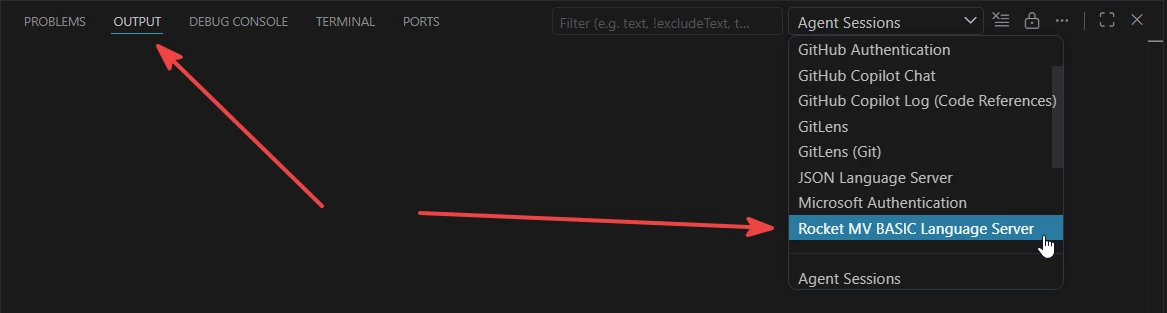
If I check the runtime status in the extension, it shows:
Uncaught Errors (9)
Pending response rejected since connection got disposed
Client is not running and can't be stopped. It's current state is: starting
Client is not running and can't be stopped. It's current state is: startFailed
Pending response rejected since connection got disposed
Client is not running and can't be stopped. It's current state is: startFailed
Client is not running and can't be stopped. It's current state is: startFailed
Client is not running and can't be stopped. It's current state is: startFailed
Client is not running
Client is not running
Two co-workers are able to get it work over the VPN, so there is something wonky on my laptop configuration. I’m limited to what I can do because the Administrator duties are restricted to our IT staff.
I already use Visual Studio Code as my primary IDE, using an ftp client to download code from universe server to my local PC. But I would like to be able to utilize the integrated feature of the rocket extension when using Online Editing.
I’m not where when to go next. any help would be appreciated.