Hello,
I am repeatedly running into a technical issue with Vertica 9.0.1 for which I hope to receive some input and advice from you.
On my Windows 10 laptop (build 1607) I am running VMware Workstation 12.5.9 under which I have created to VMs for Vertica:
- VM1: Vertica CE 9.0.1 Virtual Machine downloaded from My Vertica. Meanwhile v9.1.0 is available there, but I still run 9.0.1.The guest OS is CentOS7 64bit.
- VM2: Vertica CE 9.0.1, installed manually by me under CentOS 7 64bit without any significant payload inside the database.
The error symptom is that after a minute or two after starting up the guest OS (and thus implicitly starting the Vertica database server daemons), the guest operating system freezes and becomes unresponsive. In fact the OS is not completely dead, but seems to be under excessively high load, resulting in response times of several minutes even if only a keystroke in a terminal window needs to be displayed.
After minutes of waiting, a terminal window shows these error messages, but the OS remains unresponsive.
kernel:NMI watchdog: BUG: soft lockup - CPU#1 stuck for 22s [threaded-mt:3456]
Message from syslogd@localhost at May 15 10:45:58 ...
kernel:NMI watchdog: BUG: soft lockup - CPU#0 stuck for 22s [gnome-shell:3419]
Message from syslogd@localhost at May 15 10:46:33 ...
kernel:NMI watchdog: BUG: soft lockup - CPU#1 stuck for 22s [alsa-sink-ES137:3446]
Message from syslogd@localhost at May 15 10:48:26 ...
kernel:NMI watchdog: BUG: soft lockup - CPU#1 stuck for 22s [ksoftirqd/1:13]
Message from syslogd@localhost at May 15 10:48:27 ...
kernel:NMI watchdog: BUG: soft lockup - CPU#1 stuck for 22s [ksoftirqd/1:13]
Message from syslogd@localhost at May 15 10:48:28 . . .
kernel:NMI watchdog: BUG: soft lockup - CPU#1 stuck for 22s [ksoftirqd/1:13]
Message from syslogd@localhost at May 15 10:48:28 ...
kernel:NMI watchdog: BUG: soft lockup - CPU#1 stuck for 22s [ksoftirqd/1:13]
Message from syslogd@localhost at May 15 10:48:53 ...
kernel:NMI watchdog: BUG: soft lockup - CPU#1 stuck for 22s [python:1604]
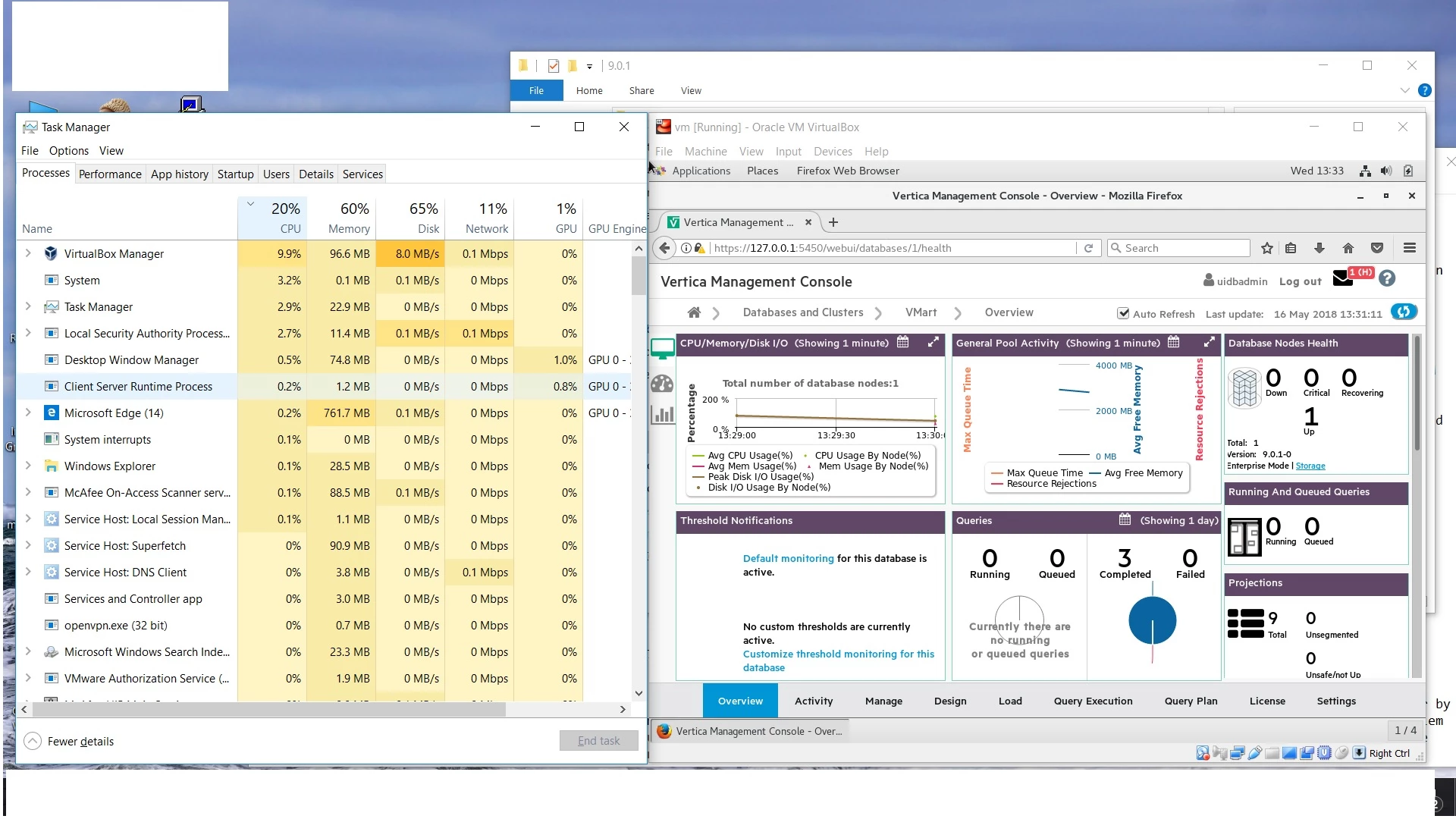
The Windows 10 Task Manager of the VM host shows a flat line maximum usage of all CPU cores assigned to this VM.
This behavior is identical on both VMs (see details below). The only practical way to end this is a hard shutdown of the guest OS via the VMware console. Powering up the guest OS will result in the same behavior again, though…
On the same Windows laptop under the same VMware Workstation, I am running possibly 15 other VMs of various Windows and Linux operating systems, without any such problems. So I assume the root cause is linked to Vertica and/or probably to some Kernel configuration required for Vertica.
Searching the forum brings up these posts:
- https://forum.vertica.com/discussion/238872/bug-soft-lockup-cpu-for-vertica and
- https://forum.vertica.com/discussion/236319/support-notice-known-errors-in-centos-and-rhel-7-vertica-impact
But these refer to an older Kernel version (kernel-3.10.0-327), and I am already running a newer version:
[root@verticaserver ~]# uname -a
Linux verticaserver.localdomain 3.10.0-693.el7.x86_64 #1 SMP Tue Aug 22 21:09:27 UTC 2017 x86_64 x86_64 x86_64 GNU/Linux
[root@verticaserver ~]# cat /etc/centos-release
CentOS Linux release 7.4.1708 (Core)
It seems that the problem is linked to the Vertica daemons: Using three power cycles, I finally managed to stop and disable them, and without them the OS runs fine.
Can you help?
Thank you.
R.