
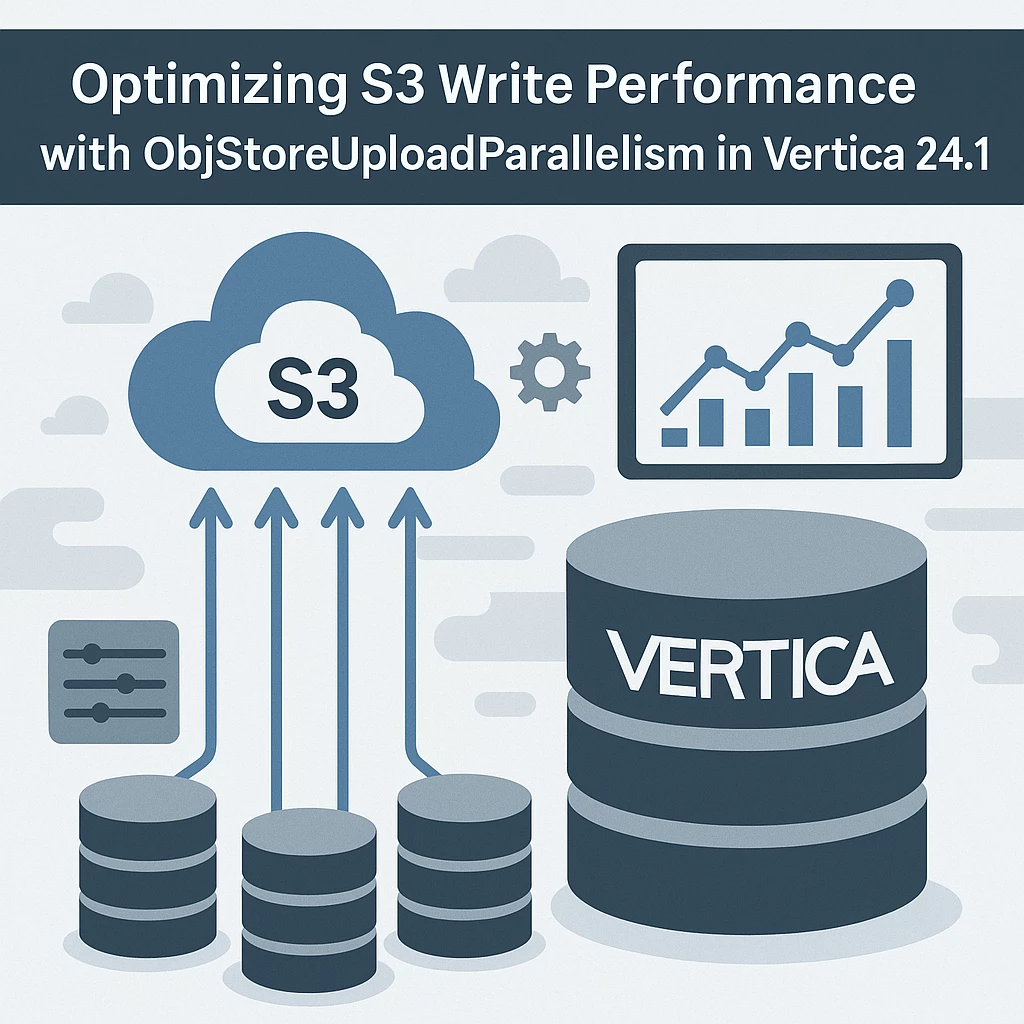


This blog explains the ObjStoreUploadParallelism parameter introduced in Vertica 24.1, which enables parallel multipart uploads to Amazon S3. It covers the parameter’s functionality, configuration, performance implications
1. Background
In prior versions, Vertica leveraged AWS S3 multipart upload APIs to handle large object writes, with each part being uploaded in a strictly sequential manner. As of Vertica 24.1, a new configuration parameter—ObjStoreUploadParallelism—has been introduced. This parameter enables concurrent multipart uploads to S3, allowing multiple parts of a file to be transmitted in parallel, thereby significantly enhancing write throughput.
2. Parameter Overview
ObjStoreUploadParallelism parameter defines the thread pool size used in parallel multipart uploads. By default, it is set to 0 meaning only 1 thread is available for uploads.
|
Parameter |
Description |
|
ObjStoreUploadParallelism |
Integer (maximum 1000), size of the thread pool used when writing files to S3. Using more threads parallelizes uploads but uses more memory. Each node has a single thread pool used for all file writes. |
|
Default Value |
0 (sequential uploads) |
|
Introduced In |
Vertica 24.1 |
3. Sample Example: Exporting a Fact table to s3
Let’s say you are exporting a large table to S3 using Vertica’s EXPORT TO PARQUET command. With ObjStoreUploadParallelism set to 0, Vertica will upload multiple parts of the file sequentially
migrate11_to_vcluster=> profile EXPORT TO PARQUET (directory = 's3://Vertica/sruthi') AS select * from store.store_orders_fact ;
Rows Exported
---------------
300000
(1 row)
Time: First fetch (1 row): 6909.948 ms. All rows formatted: 6910.104 ms
Now let run export the same table to various folders in S3 with various values of ObjStoreUploadParallelism.
migrate11_to_vcluster=> select set_config_parameter('ObjStoreUploadParallelism', 1);
set_config_parameter
----------------------------
Parameter set successfully
(1 row)
Time: First fetch (1 row): 37.129 ms. All rows formatted: 37.221 ms
migrate11_to_vcluster=> profile EXPORT TO PARQUET (directory = 's3://Vertica/sruthi1') AS select * from store.store_orders_fact ;
Rows Exported
---------------
300000
(1 row)
Time: First fetch (1 row): 2478.323 ms. All rows formatted: 2478.405 ms
migrate11_to_vcluster=> select set_config_parameter('ObjStoreUploadParallelism', 2);
set_config_parameter
----------------------------
Parameter set successfully
(1 row)
Time: First fetch (1 row): 36.901 ms. All rows formatted: 37.012 ms
migrate11_to_vcluster=> profile EXPORT TO PARQUET (directory = 's3://Vertica/sruthi2') AS select * from store.store_orders_fact ;
Rows Exported
---------------
300000
(1 row)
Time: First fetch (1 row): 2039.343 ms. All rows formatted: 2039.421 ms
migrate11_to_vcluster=> select set_config_parameter('ObjStoreUploadParallelism', 3);
set_config_parameter
----------------------------
Parameter set successfully
(1 row)
Time: First fetch (1 row): 33.689 ms. All rows formatted: 33.799 ms
migrate11_to_vcluster=> profile EXPORT TO PARQUET (directory = 's3://Vertica/sruthi3') AS select * from store.store_orders_fact ;
Rows Exported
---------------
300000
(1 row)
Time: First fetch (1 row): 1785.362 ms. All rows formatted: 1785.446 ms
Performance Metrics Summary
|
ObjStoreUploadParallelism |
Performance Gain vs Sequential (1) |
|
0 (sequential) |
— |
|
1 |
2.7× |
|
2 |
3.3× |
|
3 |
3.8× |
Insights:
- Setting the parameter to 3 yields nearly 4x improvement over sequential uploads.
- Optimal tuning should balance throughput with system resource usage.
4.Performance Considerations
- Higher parallelism can significantly improve upload speed for large files.
- Resource usage may (CPU, memory, network) increase with higher parallelism.
- Optimal value depends on your infrastructure (e.g., network bandwidth, S3 region latency).
Additional Information




