
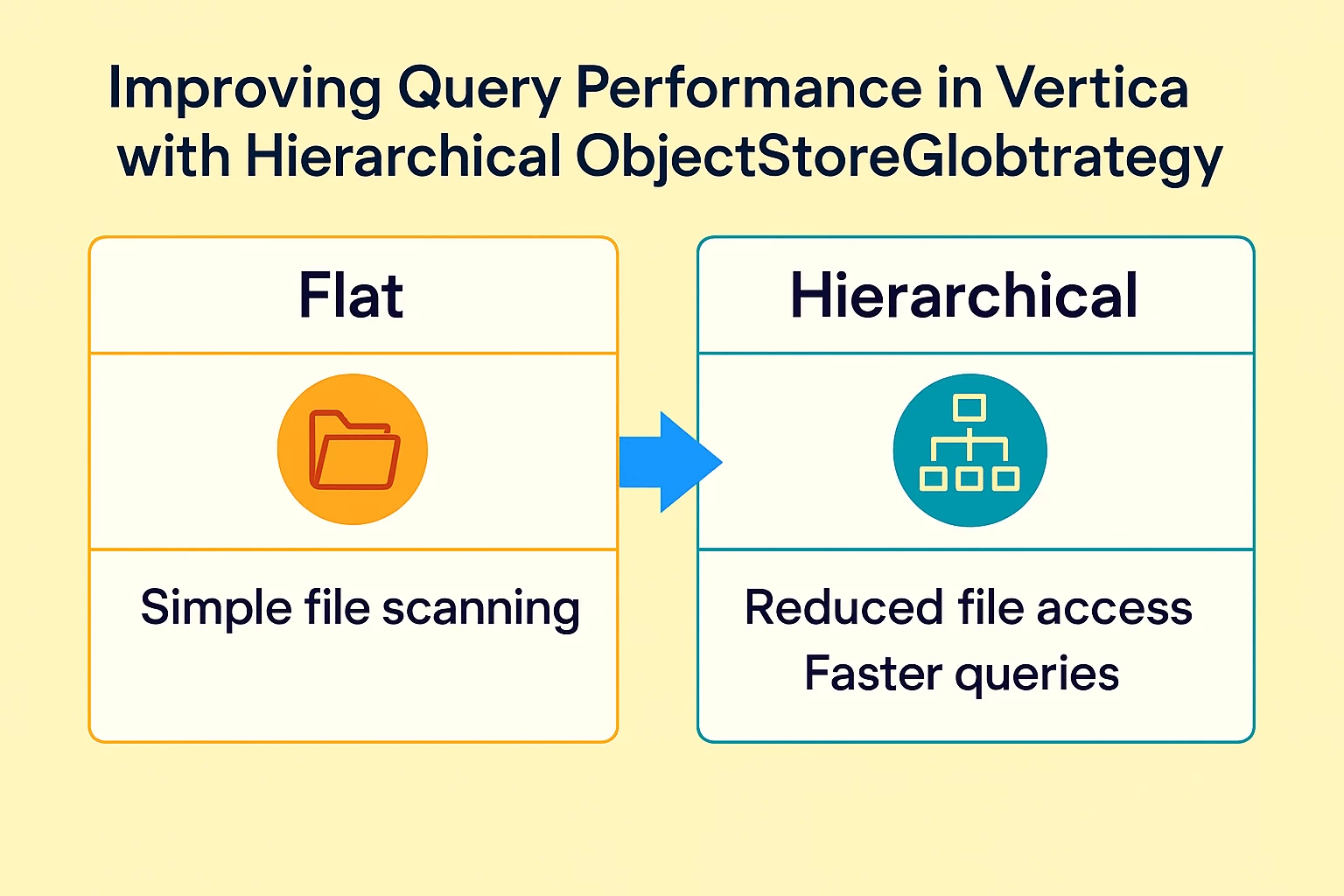


As data lakes grow in scale and complexity, especially on object stores like Amazon S3 and Google Cloud Storage, efficient querying becomes a top priority. In Vertica, external tables offer a powerful way to access this data—but performance can vary widely depending on how the system scans partitioned files. One configuration that plays a pivotal role is ObjectStoreGlobStrategy. Though often overlooked, this setting can dramatically improve query speed by enabling smarter, partition-aware scanning.
In this post, we’ll explore how Vertica handles partitioned file paths, the difference between flat and hierarchical strategies, and how to choose the best one for your workload.
What Is ObjectStoreGlobStrategy?
Vertica uses ObjectStoreGlobStrategy(introduced in Vertica 23.4) to determine how it lists files in object stores. This is especially relevant when loading partitioned data, such as files organized by year, month, or region.
There are two strategies:
- Flat
- Hierarchical
Let’s break down how each works and why it matters.
🔁 Flat Strategy: Simple but Costly
How It Works
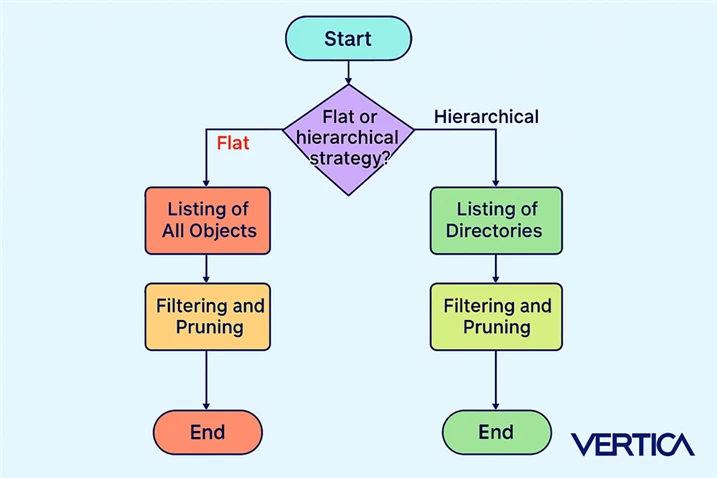
The flat strategy performs a full listing of all files in the specified path before applying any filters. Vertica retrieves every object name, regardless of whether the query needs it.
Performance Impact
- High metadata overhead: Listing all files can be expensive, especially with deep partitioning.
- Slower query execution: Filtering happens after listing, which means Vertica must scan every file name.
- Limited scalability: As the number of files grows, performance degrades.
When to Use
- Small datasets with few partitions.
- When partition pruning is not needed or query filters don’t match partition columns.
🌲 Hierarchical Strategy: Smarter, Faster
How It Works
The hierarchical strategy lists objects at one directory level at a time, applying filters as it goes. This allows Vertica to prune irrelevant paths early, skipping entire directories that don’t match query predicates.
Performance Impact
- Efficient metadata access: Only relevant directories are explored.
- Faster query execution: Partition pruning happens during listing.
- Excellent scalability: Ideal for large, deeply partitioned datasets.
- Reduced cost: Reducing the number of API calls to list objects.
When to Use
- Large datasets with multi-level partitioning (e.g., year/month/region).
- Queries that filter partition columns.
Real-World Example
Imagine your data is stored like this:
s3://bucket/data/year=2025/month=09/region=South/file.parquet
- Flat Strategy: Lists all files under data/, then filters based on year, month, and region.
- Hierarchical Strategy: Lists year=2025/, then month=09/, then region=South/, pruning irrelevant paths at each level based on the filters in your query
Step 1: Create an external table public.records using data from an S3 bucket partitioned by year, month and region.
CREATE EXTERNAL TABLE public.records (
id INT,
name VARCHAR(50),
year INT,
month INT,
day INT,
region VARCHAR(50)
)
AS COPY FROM 's3://new-bucket/data/*/*/*/*'
PARTITION COLUMNS year, month, region PARQUET;
Step 2: Query with Default Strategy (Flat)
Select * from records WHERE region='West' and year = 2023 and month=01;
id | name | year | month | day | region
-------+---------+------+-------+-----+--------
48 | Charlie | 2023 | 1 | 5 | West
118 | Eve | 2023 | 1 | 1 | West
135 | Eve | 2023 | 1 | 14 | West
…………………..
…………………
99702 | Alice | 2023 | 1 | 16 | West
99751 | Eve | 2023 | 1 | 20 | West
99763 | Charlie | 2023 | 1 | 22 | West
99858 | Bob | 2023 | 1 | 21 | West
99874 | Diana | 2023 | 1 | 13 | West
99937 | Eve | 2023 | 1 | 4 | West
99956 | Frank | 2023 | 1 | 20 | West
99977 | Charlie | 2023 | 1 | 15 | West
99979 | Diana | 2023 | 1 | 28 | West
(1080 rows)
Time: First fetch (1000 rows): 588.460 ms. All rows formatted: 3757.432 ms
Time: First fetch (0 rows): 0.873 ms. All rows formatted: 0.874 ms
Step 3: Change strategy to Hierarchical by setting the configuration parameter ObjectStoreGlobStrategy to Hierarchical
ALTER database default SET ObjectStoreGlobStrategy = 'Hierarchical';
Step 4: Query with Hierarchical Strategy
eonv251=> Select * from records WHERE region='West' and year = 2023 and month=01;;
id | name | year | month | day | region
-------+---------+------+-------+-----+--------
48 | Charlie | 2023 | 1 | 5 | West
118 | Eve | 2023 | 1 | 1 | West
135 | Eve | 2023 | 1 | 14 | West
……………..
…………………….
99977 | Charlie | 2023 | 1 | 15 | West
99979 | Diana | 2023 | 1 | 28 | West
(1080 rows)
Time: First fetch (1000 rows): 67.682 ms. All rows formatted: 1835.546 ms
Time: First fetch (0 rows): 0.919 ms. All rows formatted: 0.921 ms
Step 5: Performance Comparison of the results
|
Strategy |
First Fetch (1000 rows) |
All Rows Formatted |
Improvement Over Flat |
|
Flat |
588.460 ms |
3757.432 ms |
Baseline |
|
Hierarchical |
67.682 ms |
1835.546 ms |
88.5% faster fetch |
Summary: Which Strategy Should You Choose?
|
Feature |
Flat Strategy |
Hierarchical Strategy |
|
Listing Method |
All files at once |
One directory level at a time |
|
Partition Pruning |
After listing |
During listing |
|
Metadata Overhead |
High |
Low |
|
Query Performance |
Slower |
Faster |
|
Scalability |
Poor for large datasets |
Excellent for large datasets |
|
Best For |
Small, shallow partitions |
Large, deep partitions |
Conclusion
Choosing the right ObjectStoreGlobStrategy can dramatically improve performance when loading data from external storage. This simple configuration tweak enables Vertica to scan data more intelligently, reducing I/O overhead and improving efficiency. For most production environments dealing with large-scale, partitioned datasets in cloud storage, adopting the Hierarchical strategy is a low-effort, high-impact optimization.
Additional Information




