Question

Where to Download .jar Files

  • July 10, 2020
  • 5 replies
  • 16 views

SteeltownRiot

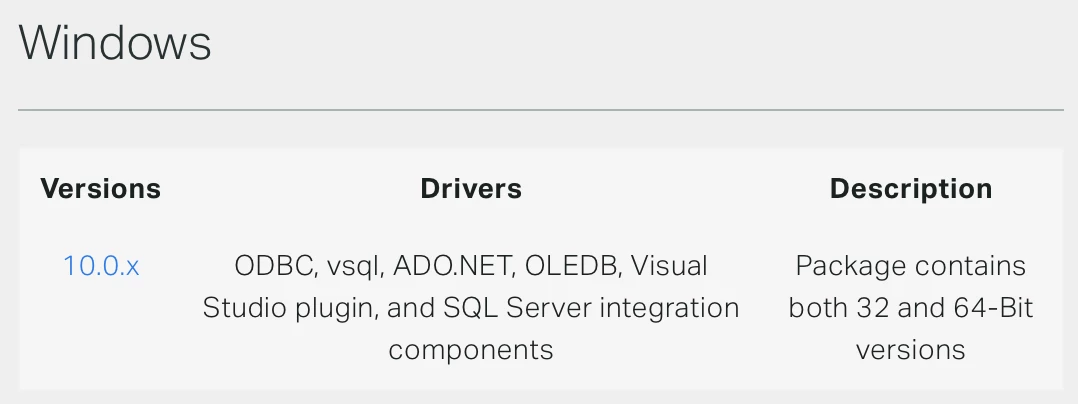
I recently upgraded my version of dBeaver and now it will not connect to my Vertica instance. I looked around and it may be because I am still using an old version of the ODBC, so I downloaded the Windows 10.0.x but I need the .jar file for the new version as well. There is plenty of mention of said .jar file in the documentation, but no reference that I can find about where to download it. When I search the Vertica site for vertica-jdbc-10.0.0-0.jar all I get is the hash to verify the jar file's integrity. Any help here would be greatly appreciated.

5 replies

Sankarmn
Forum|alt.badge.img+1
  • Participating Frequently
  • July 10, 2020

SteeltownRiot
  • Author
  • New Participant
  • July 10, 2020

As I stated, I downloaded that. If the executable installs a .jar file somewhere on my system, I cannot find it. Am I just supposed to point the classpath to the installer?


Jim_Knicely
Forum|alt.badge.img+2
  • Participating Frequently
  • July 10, 2020

The jar file is for JDBC. The Windows client does not install the jar file. It's a separate download and you can put it anywhere on your system.

@Sankarmn gave you the link.

https://www.vertica.com/client_drivers/10.0.x/10.0.0-0/vertica-jdbc-10.0.0-0.jar

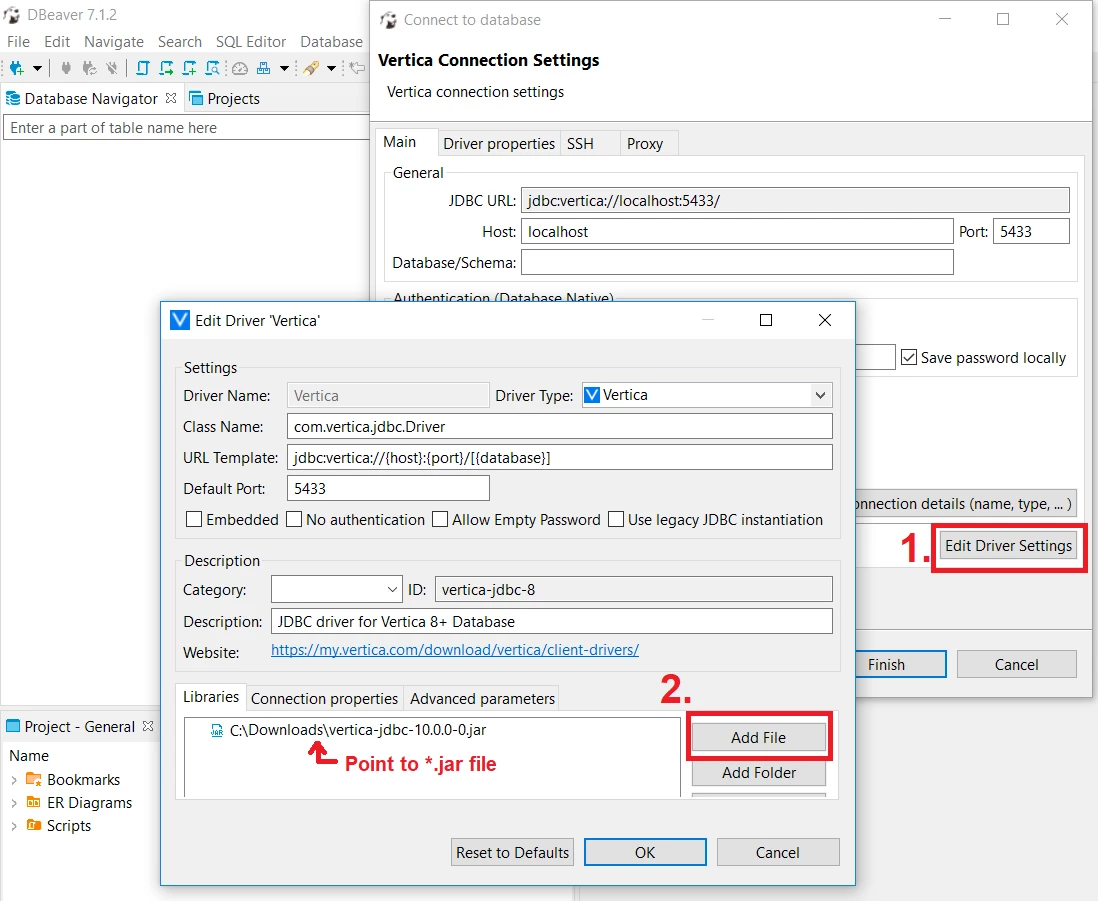
This connection guide should help you set up DBeaver (In particular, Step 8 in the "Connect DBeaver to Vertica" section)

https://www.vertica.com/kb/Vertica-Integration-with-DBeaver-Connection-Guide/Content/Partner/Vertica-Integration-with-DBeaver-Connection-Guide.htm


LenoyJ
Forum|alt.badge.img+1
  • Participating Frequently
  • July 10, 2020

Pasting this image for reference, in case:


SteeltownRiot
  • Author
  • New Participant
  • July 10, 2020

@Jim_Knicely thank you. That is the link I needed. Sankarmn's link was initially to the 10.0 installer and I did not see the edit.
Thank you @LenoyJ . I do know how to load the library once I have the .jar file.
Thank you everyone for your help.