Question

Extending UX Widgets


MartinBall

Hi there,

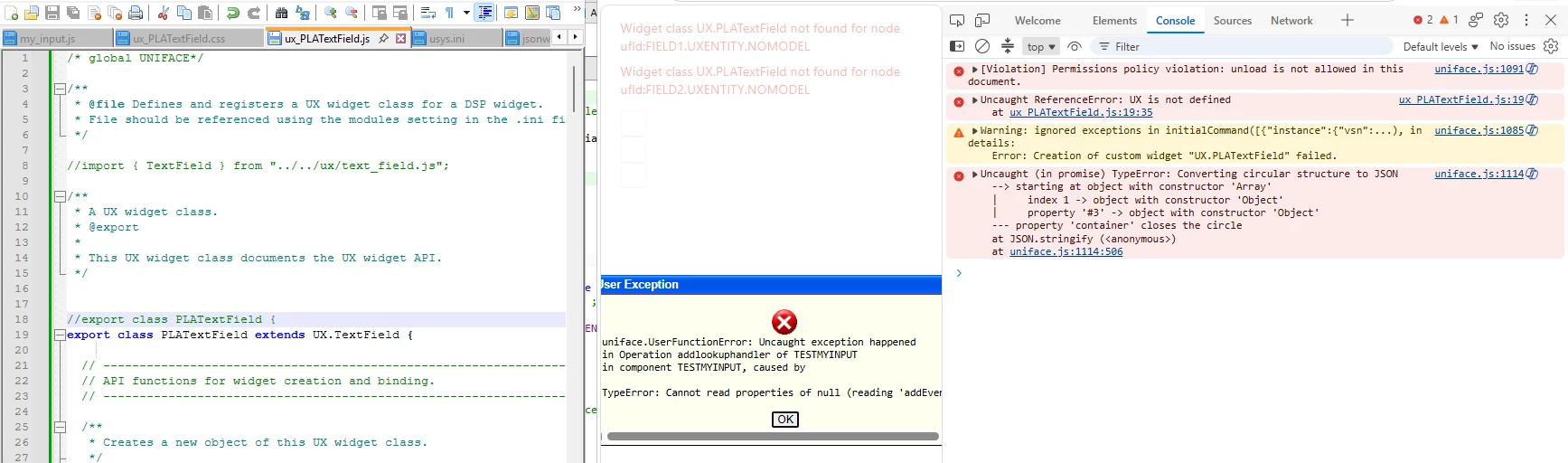
Have been through the online coursework related to UX widgets as we are keen to go down this route and have created a custom UX widget. It is rightfully recommended that any custom widgets extend from their uniface out the box counterparts (ux-TextField → ux-PLATextField) so they inherit the standard behaviour.

Am having some difficulty achieving this though as it seems theres some disparity between what we have inhouse and how the training laid it out (.JS-wise) and the Fluent web methodology.

Is there a supported way to import the standard widget class or is inheritance through the global UX namespace? Does the loading order need to be taken into account?

Any guidance appreciated, thank you
5 replies

MartinBall
  • Author
  • Participating Frequently
  • October 1, 2026


I was wondering perhaps if Im referencing it incorrectly?


Forum|alt.badge.img

Hi Martin,


It is most likely related to widget class registration. When a new widget class is created or extended, it must be registered in the class registry before it can be used.  In addition, if you are extending  uxTextField, the base class must first be available.

The approach depends on your development environment.

If you have got the UX widget source files (for example, ux-textfield.js cloned from the GitHub repository GitHub - RocketSoftware/uniface-ux: Uniface UX open source · GitHub), you can import and register your new widget class in the file loader.js:

import {PLATextField} from "./ux/ux_PLAText_Field.js";
registerWidgetClass("UX.PLATextField", PLATextField);

Also ensure that the TextField class is imported and available, similar to the commented import in your file around line 8:

import { TextField } from "../text_field/text_field.js"

On the other hand, if you are working with the bundled unifaceux.min.js file and not with the individual widget source files, it will need to get the TextField class from the ClassRegistry:

const TextField = UNIFACE.ClassRegistry.get("UX.TextField");


Finally, register your new widget class:

UNIFACE.ClassRegistry.add("UX.PLATextField", PLATextField);

In either case, I assume that the web.ini is already updated with the extended widget definition.
Hope this helps!


MartinBall
  • Author
  • Participating Frequently
  • October 5, 2026

Hi Jyoti, many thanks for your assistance.

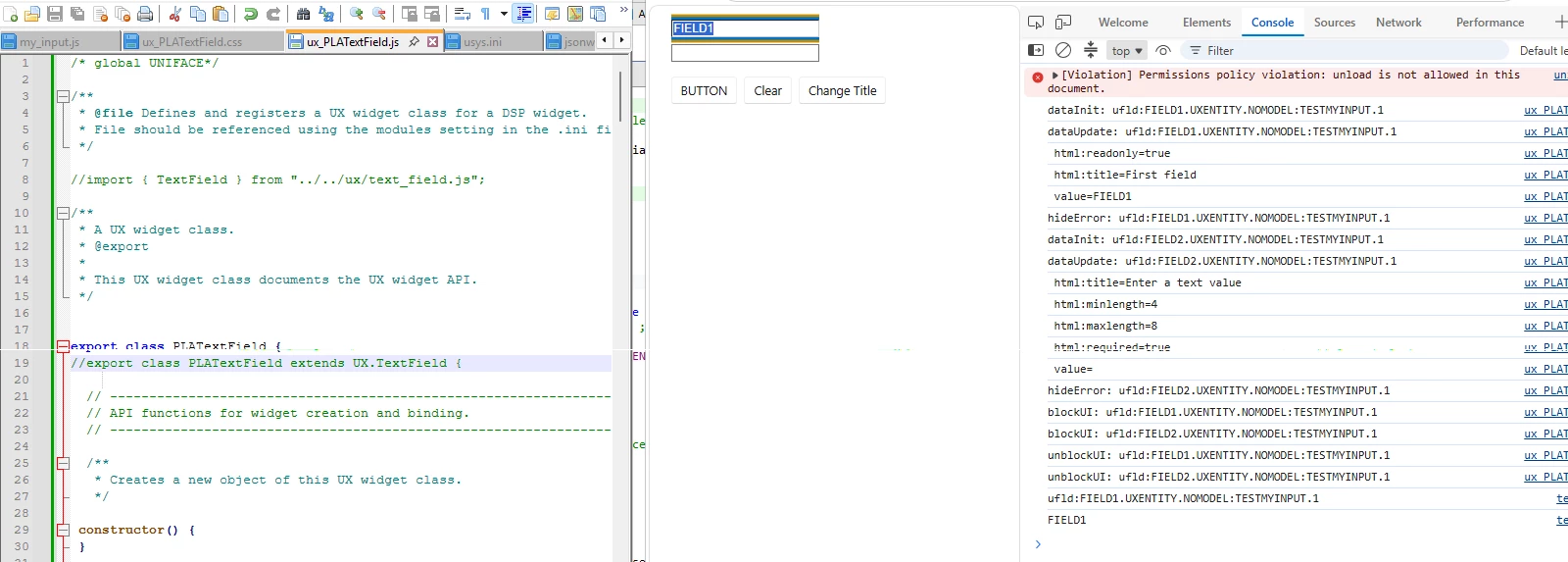
Am working with the bundled unifaceux.min.js and getting it from the registry was the part I was missing. So..

const TextField = UNIFACE.ClassRegistry.get("UX.TextField");
/* console.log("PLATextField: TextField =", TextField); */

export class PLATextField extends TextField { 
constructor() { 
    super();
 }

…

/* console.log("Registering PLATextField:", PLATextField); */
UNIFACE.ClassRegistry.add("UX.PLATextField", PLATextField);
/*console.log(
    "Registered PLATextField:",
    UNIFACE.ClassRegistry.get("UX.PLATextField")
); */

.. worked a treat.

Appreciate the support and wish you well.


David Akerman
Forum|alt.badge.img

Hi Martin,

Re: the widget build and registration process, we are working on a new learning module re: building a custom UX bundle which shows how to use and customize loader.js, which we hope to release soon.

I am aware that the learning currently shows how to build widgets using vanilla JavaScript, which is useful to teach the concepts, but it doesn’t currently cover extending UX widgets or using the UXWF helper library that is used to build the standard UX widgets. The good news are that the concepts are fairly simple, and I expect we will provide more e-learning on those topics in future. In the mean-time you can find more about these helper libraries by download the UX source code from git and examining it. The source also includes documentation and unit tests.

If you urgently need to get a better understanding of the custom build process and want to see the overview of how to extend widgets prior to e-learning being released, please contact me via dakerman@rocketsoftware.com and we can arrange arrange a call for me to show you.

Kind Regards,

David Akerman
Uniface Performance Enablement / Subject Matter Expert

Rocket Software UK


MartinBall
  • Author
  • Participating Frequently
  • October 5, 2026

Thank you David, appreciated.

All is well now so no need for a call and I look forward to the new material. Rocket Software always do a great job leaving comments in the code explaining everything, meaning its rare am unable to follow. Keep up the good work.

Thanks and regards